News
2026-08-03
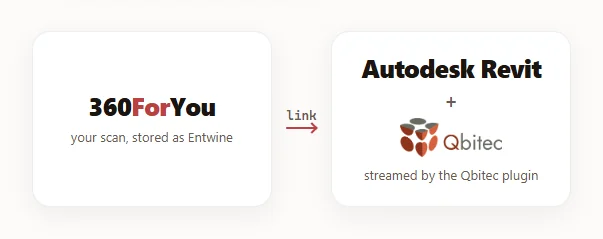
Point clouds, straight into Revit — no downloads, no conversion, no local hosting 🎉
Qbitec 1.8 for Revit now streams point clouds directly from 360ForYou. Publish a scan, copy the project link, paste it into Revit — and the cloud streams in.
The best part: this works with any point cloud you can upload: E57, RCP, RCS, LGSX, LAS, LAZ, PLY, PTS, PTX or XYZ — 360ForYou converts them all into the open Entwine (EPT) format automatically, so there is zero conversion on the user side. One pipeline for any scanner.
And because the data streams from the cloud, project teams get access to point clouds without hosting them on their own computers or anywhere in the company network. A scan of tens of gigabytes stays on the server — Revit pulls only the tiles the current view needs. One link serves everyone: the browser, your clients, and now Revit.
How it works:
1 Upload your scan to 360ForYou
2 Set project access to "via link" or "public"
3 Paste the project link into Qbitec in Revit — done!
Especially handy for Scan2BIM companies already hosting their point clouds on 360ForYou: every project you have is ready to stream today — skip step one 😉
Kudos to the Qbitec team for building on open formats 🤝
👉 Details and quick start: https://360-for-you.com/qbitec
👉 Try Qbitec free for 14 days: https://qbitec.com/Trial